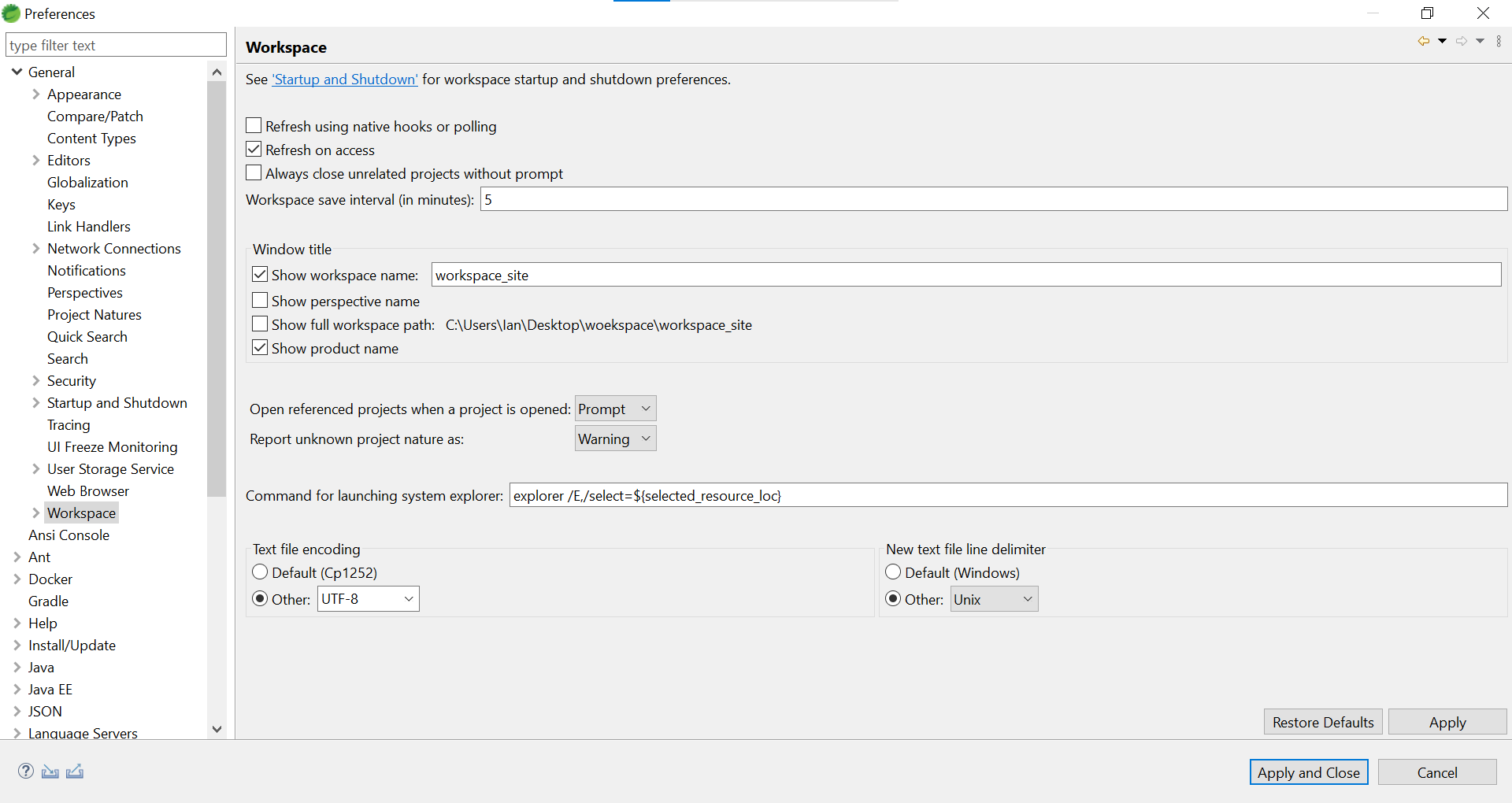
ADVENTURE JOURNAL · 探索筆記Eclipse 設定 UTF-82021.04.12 約 1 分鐘Ian Huang筆記# Eclipse 任務導覽 TABLE OF CONTENTSEclipse 設定 UTF-8開啟設定畫面設定UTF-8參考Eclipse 設定 UTF-8開啟設定畫面Window –» Preferences –» Workspace設定UTF-8Text file encoding 選擇Other: UTF-8 New text file delimiter 選擇Other: Unix 設定完後點選 Apply and Close參考
冒險者留言
comments powered by Disqus